All Software
Software for Windows, built and supported by Clarke Foundry in Cheshire.
Every program is free to download and use, with no time limit. If you get stuck, email us and we will help.
Free to download, with no time limit
Quick to install, light on your PC
Colours, fonts, sizes and more
Written and supported in Cheshire
Windows Utilities
Small, focused tools that take the fiddly bits out of everyday work in Windows. Each one is free to download and use, with no time limit, and Pro adds more for when you need it.
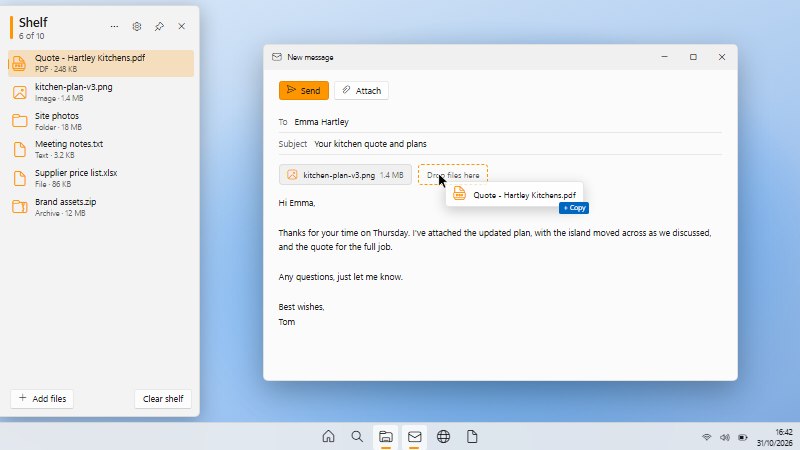
A drawer on the edge of your screen for the files you're working on: drop them in, and they're one move of the mouse away.
- Slides out when the cursor rests on the screen edge
- Drag files in from Explorer, Outlook and your browser
- Drag them straight out into emails, folders and apps
- Opens from any app with Ctrl+Alt+S
- Send to Side-Shelf from any folder
For Windows 10 and 11
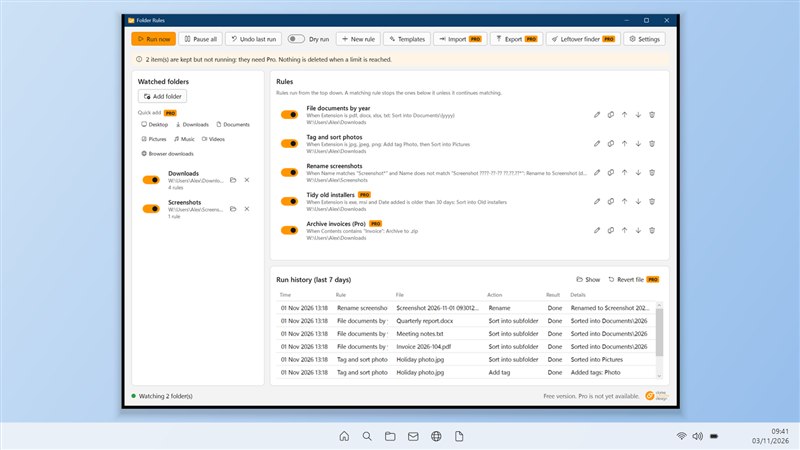
Rules that tidy your folders for you. Downloads get sorted, screenshots renamed and old installers cleared out, from the notification area.
- Watches the folders you choose, and runs your rules as files arrive
- Move, copy, rename, sort into subfolders and tag
- Patterns like Documents\{yyyy} to file things by date
- Dry run and test on a file before a rule does anything
- Undo the last run, and nothing is ever deleted for good
For Windows 10 and 11
Windows Screensavers
Good-looking screensavers for Windows 11, packed with settings to make them your own. Every one is completely free to download, install and use, with no time limit. A small watermark sits in the corner of the screen, and a one-off payment removes it for good. Some also have a Pro version with extra features, such as arrivals boards and your own messages on the Departure Board.
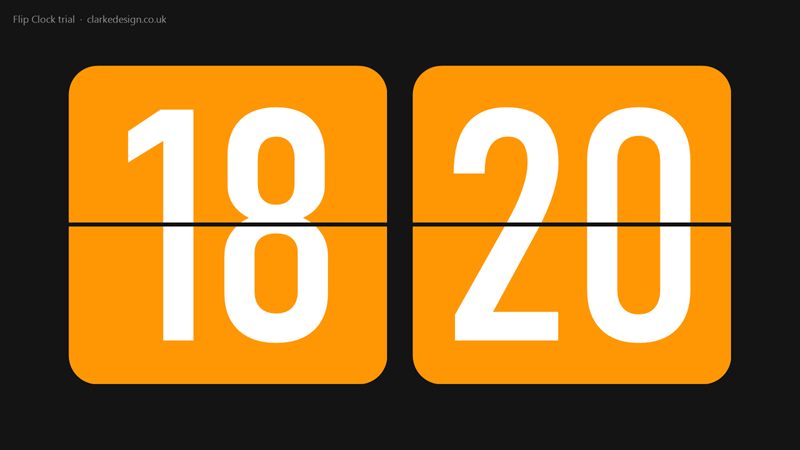
A retro flip clock, with every digit turning over on its own flap, just like the classic bedside clocks.
- 12 or 24-hour time, with optional seconds
- Landscape, portrait or automatic layout
- Choose your colours and font, or pick a preset
- Dim the display and set the size
- Primary display only, or every display
For Windows 11
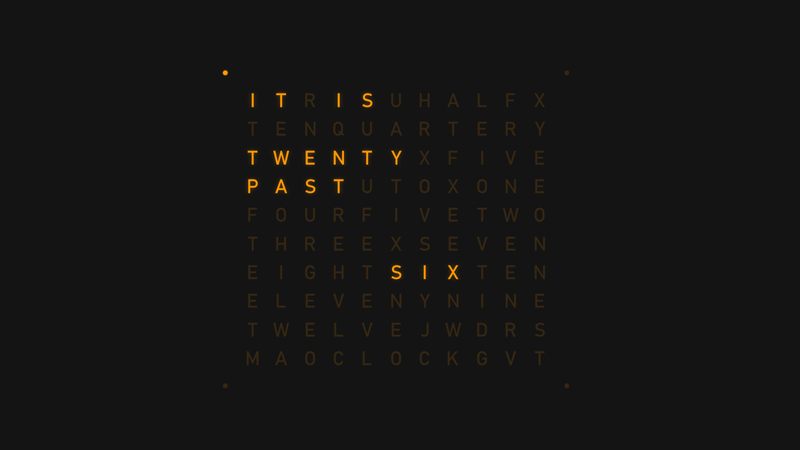
The time spelled out in words, lit up in a grid of letters: IT IS TWENTY PAST FOUR.
- English, Deutsch, Français and Español
- Corner dots for the minutes in between
- Words fade softly from one time to the next
- Adjustable glow, colours and font
- Gentle shift to protect OLED screens
For Windows 11
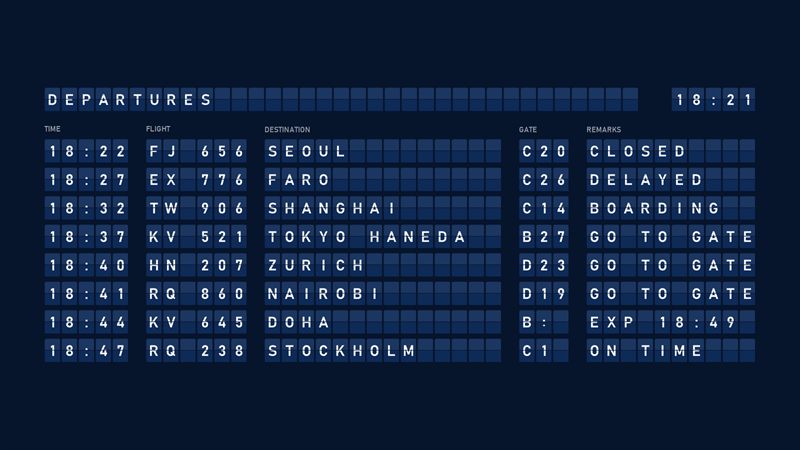
A split-flap departure board, in the style of the classic railway station and airport boards.
- Railway station or airport board
- A live timetable that runs on the real clock
- Delays, platform changes and cancellations
- Every character is a real, clattering flap
- Your own title, colours and font
For Windows 11
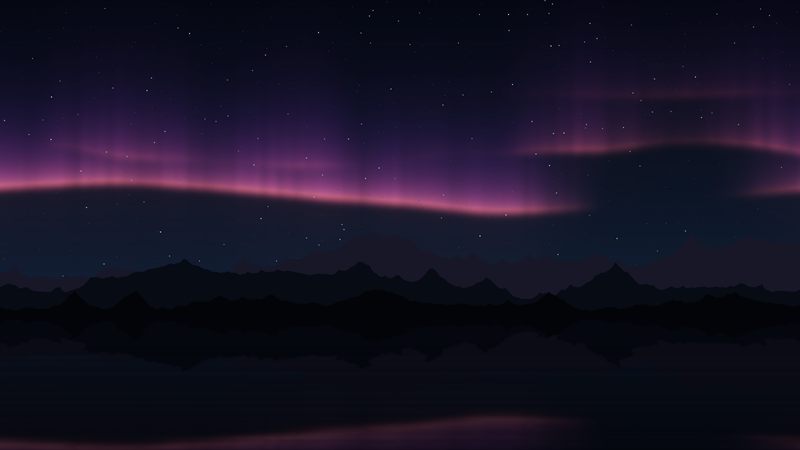
Aurora Screensaver
FreeThe northern lights over a mountain lake, stretched seamlessly across all of your displays.
- One scene across every display
- Bezel gap setting, so lines carry on straight
- Six aurora colour schemes
- Shooting stars and a slowly drifting view
- A new landscape every time
For Windows 11
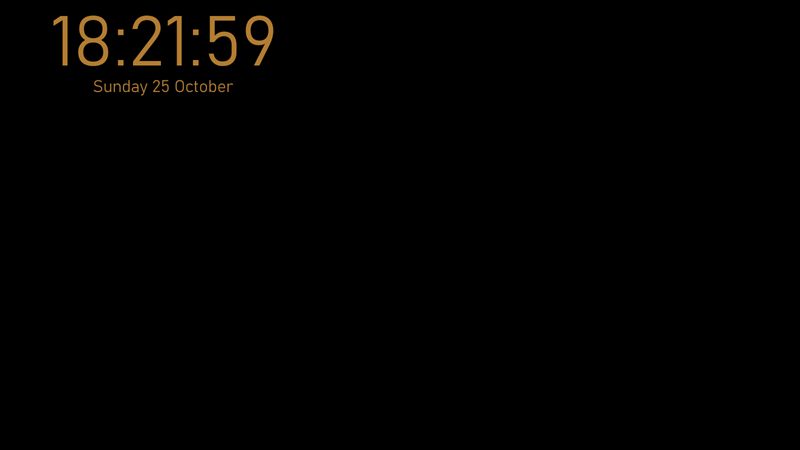
A burn-in safe clock for OLED monitors and laptops, that keeps moving and lights as few pixels as possible.
- Pure black background, so most pixels stay off
- The clock drifts slowly and never repeats its path
- Fades to a fully black screen after a set time
- Optional colour cycling to spread the wear
- Clock, clock and date, or nothing at all
For Windows 11
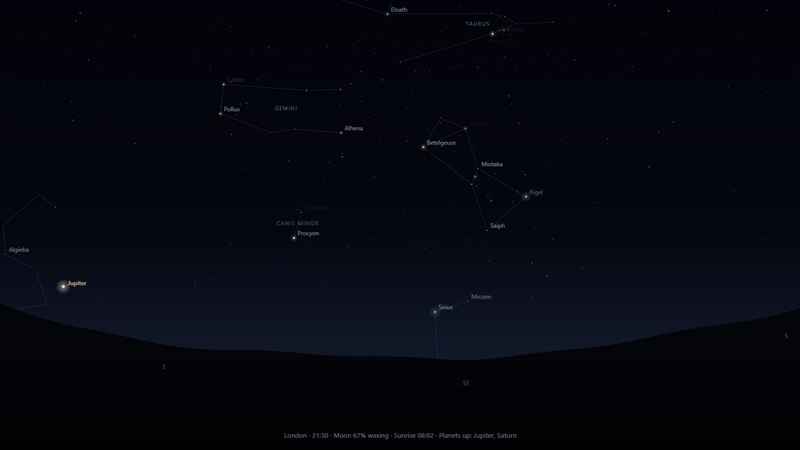
The real night sky above your home, right now, with the stars, planets and Moon exactly where they are tonight.
- The true sky for your location, minute by minute
- About 5,000 stars, the planets and the Moon in its real phase
- Constellation lines and names that softly come and go
- A slowly turning view, gentle on OLED screens
- Over 50 cities, or use your own location
For Windows 11